
Browser extension
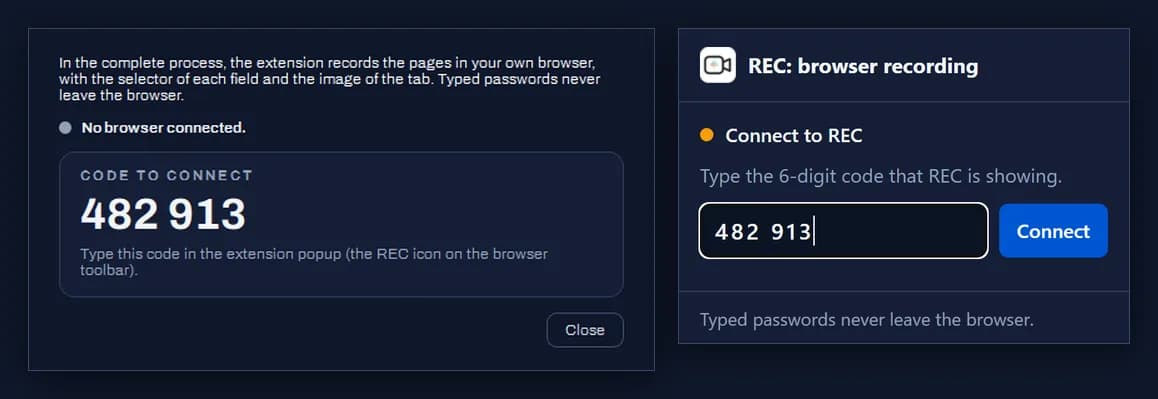
In the Complete process, the REC extension records pages in the browser you already use, with your usual tabs and sign-ins, and captures each element by its selector. It only talks to the REC installed on the same computer.
- Install the extension from the Edge Add-ons store (opens in a new tab).
- In REC, choose Complete process and click Connect browser….
- The first time, type in the extension popup the 6-digit code that REC shows. The pairing stays in place for the next recordings.
Good to know
The extension only records while REC is recording a Complete process. What is typed in password fields never leaves the page: the step only carries
•••.The Web application mode does not use the extension: it opens the machine's Edge or Chrome in a REC profile of its own.